




Wire the Hardware
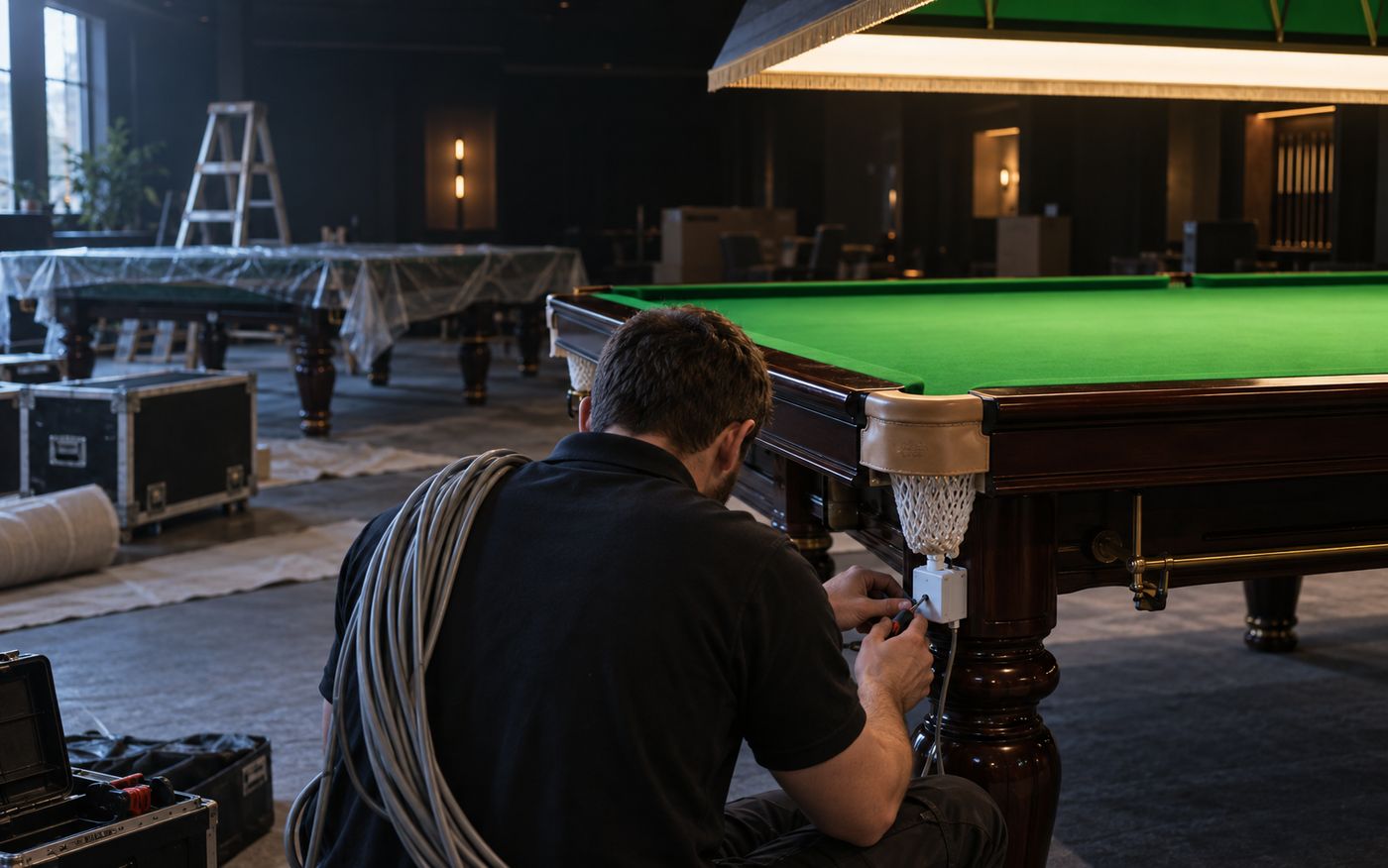
The room itself, under software control: table lighting, printers, scanners and the wall monitor, then the settings, wizard and integrations that make a new venue live.
See It First
The real screens for everything on this page, before a word of description. Every capability below is one of these.
Real screens, shown with sample club data.
On the counter screen
Hardware
4 screens
What it doesSetup
2 screens
What it doesHardware
Lights, printers, screens and readers, driven from the same session.
64capabilities
Command Every Light Above Every Table - Control Your Power Bills
VYROX Relay
1 to 64 channels per device. Test channel from modal during install.
Auto Schedules
Scheduled routines, opening/closing automation, override and cancel.
Replace Device
Re-points every table wired to a failed unit in seconds. Heartbeat raises alarms on flaky relays.
Heartbeat Monitor
Every relay reports up/down so you spot a dead light before a customer does.
Swap Without Re-Config
Replace a failed device while keeping the table mappings intact.
All-Tables Test Sweep
Every channel, every device, in one click at commissioning.
HTTP + IoT-Bridge
Both protocols supported in parallel for legacy and new venues.
Auto-Fix Bad Ports
Auto-detect and fix invalid relay ports without a tech callout.
Failure Event Log
Light-failure events recorded with timestamp for service reports.
VYROX IoT Bridge
Cloud-connected venues stay reachable across networks.
Test From Modal
Direct test from the device modal - no terminal needed.
Schedule Off At End
Lights off at countdown end - automatically, every time.
Schedule On At Start
Lights on at booking start - venue is ready before guests arrive.
Cancel Scheduled Cmd
Cancel a scheduled light command with one click.
Per-Table Override
Per-table override panel for staff - manual control when needed.
Center-Wide Kill
Close-time kill-all switch - every relay off, instantly.
1-64 Channels
1 to 64 channels per device - fits boutique to mega-venue.
Native Print Stack
Mixed-Fleet Printing - Zero External Print Server
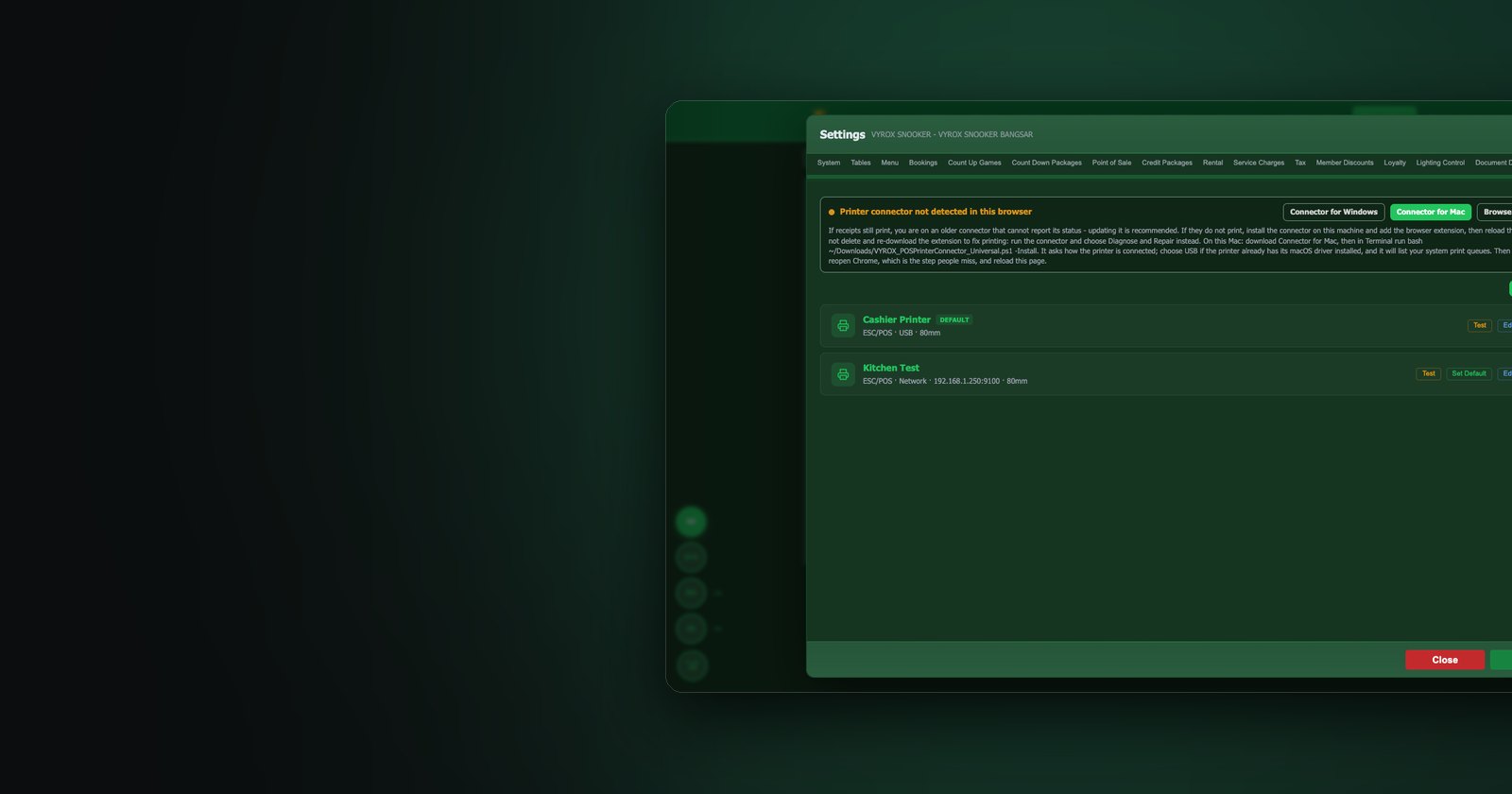
Three printer paths - Windows print dialog, USB/Bluetooth thermal, network thermal - routed per category and per table, with center-default fallback. Receipts compile inside the platform - no third-party print server, no extra licence fees. Failed jobs queue and retry automatically; reprints come from the saved receipt snapshot, not a fresh render.
3 Printer Paths
Windows browser print dialog, USB / Bluetooth thermal, network thermal.
Per-Category Routing
Drinks fly to the bar printer, hot food to the kitchen, receipts to the counter - automatically.
Per-Table Override
VIP room 7 prints to the lounge butler's printer instead of the main counter.
Center-Default Fallback
Anything without a specific assignment falls back to the center-default printer - never lost.
Native Print Engine
Receipts compile inside the platform - no third-party print server, no extra licence fees.
Print Queue + Auto-Retry
Network blip? Job stays queued and re-fires when the printer comes back online.
Snapshot Reprint
Reprints come from the saved HTML snapshot - schema upgrades never break old receipts.
Connectivity Test
One-click test from the printer panel during install - no IT crew needed.
Live Table Monitor
A Customer-Facing Live Table Monitor On Every Wall
Four ready-to-light themes. Three layout modes. Token-protected public URL - no login needed on the TV. Real-time 5-second polling with 1-second client-side ticking. Privacy modes hide member names if you prefer initials only. Sponsor slots, footer marquee with QR, and per-branch accent colour and tagline.
3 Layout Modes
List, Grid, Spotlight (hero + side-list). Auto-pagination kicks in past 8 tables.
Token-Protected Public URL
AES-encrypted token in the link. Leak it to the wrong manager and reset in one click.
Privacy Modes
Show full name, initials, member ID only, or hide entirely - per branch.
5s Poll + 1s Tick
Server polled every 5 seconds, client ticks every 1 - timers always feel live.
Header Summary Chips
Active tables, overtime count, walk-ins, today's revenue - at-a-glance for staff and members.
Footer Marquee + QR
Custom message scroll plus a member-portal QR - every TV becomes a sign-up funnel.
Up to 3 Sponsor Slots
Sell wall-TV ad space to local cue brands, drinks suppliers - turn the wall into revenue.
Per-Branch Accent & Tagline
Override colour and tagline per branch - flagship gold, suburban green, all consistent.
Live Match Broadcast, Cast Straight to Any TV
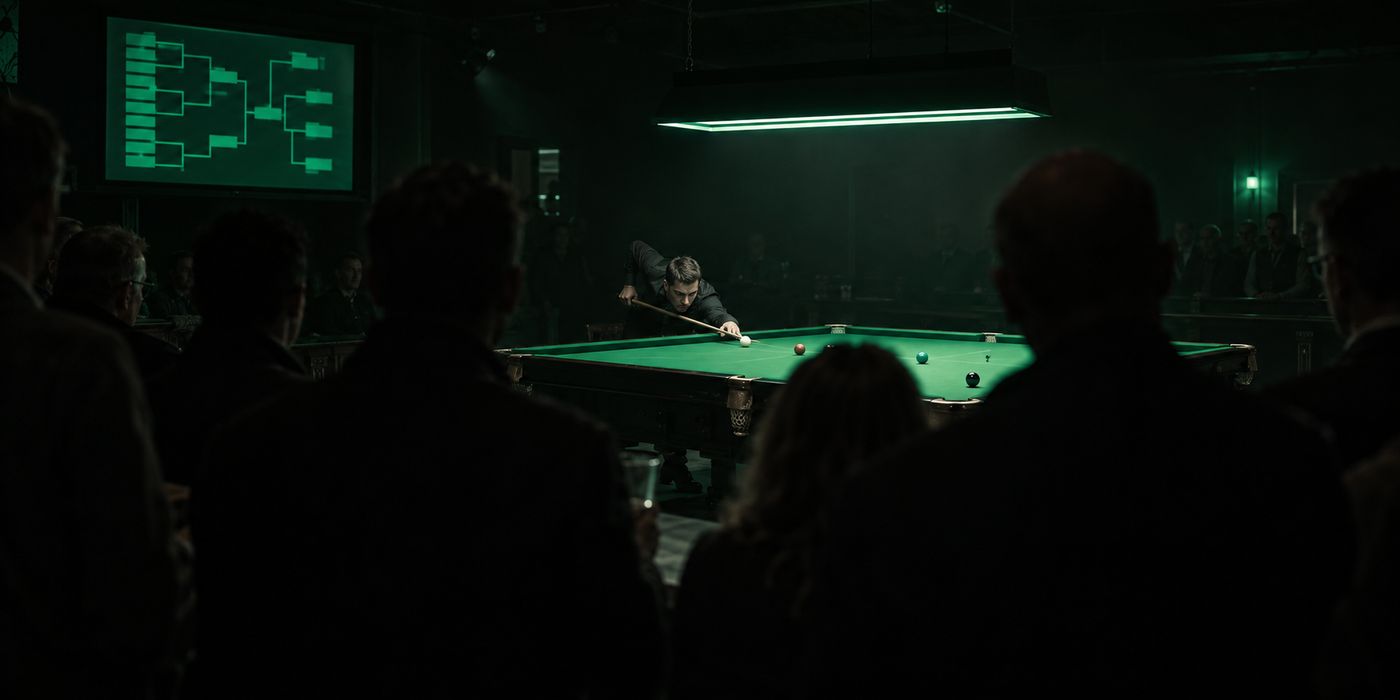
Turn any table's game into a spectacle. A shareable, no-login broadcast screen streams a live frame - player names, frame score, ball-on indicator, points and full-screen mode - so a crowd can gather and your hall feels like a real event.
Battle Mode With Broadcast Sound Themes
Run a proper match with frame-by-frame scoring and your choice of match format, dressed up with selectable Crucible-style broadcast sound themes. Host tournaments that pull members in and keep them coming back for the atmosphere.
Hardware Compatibility
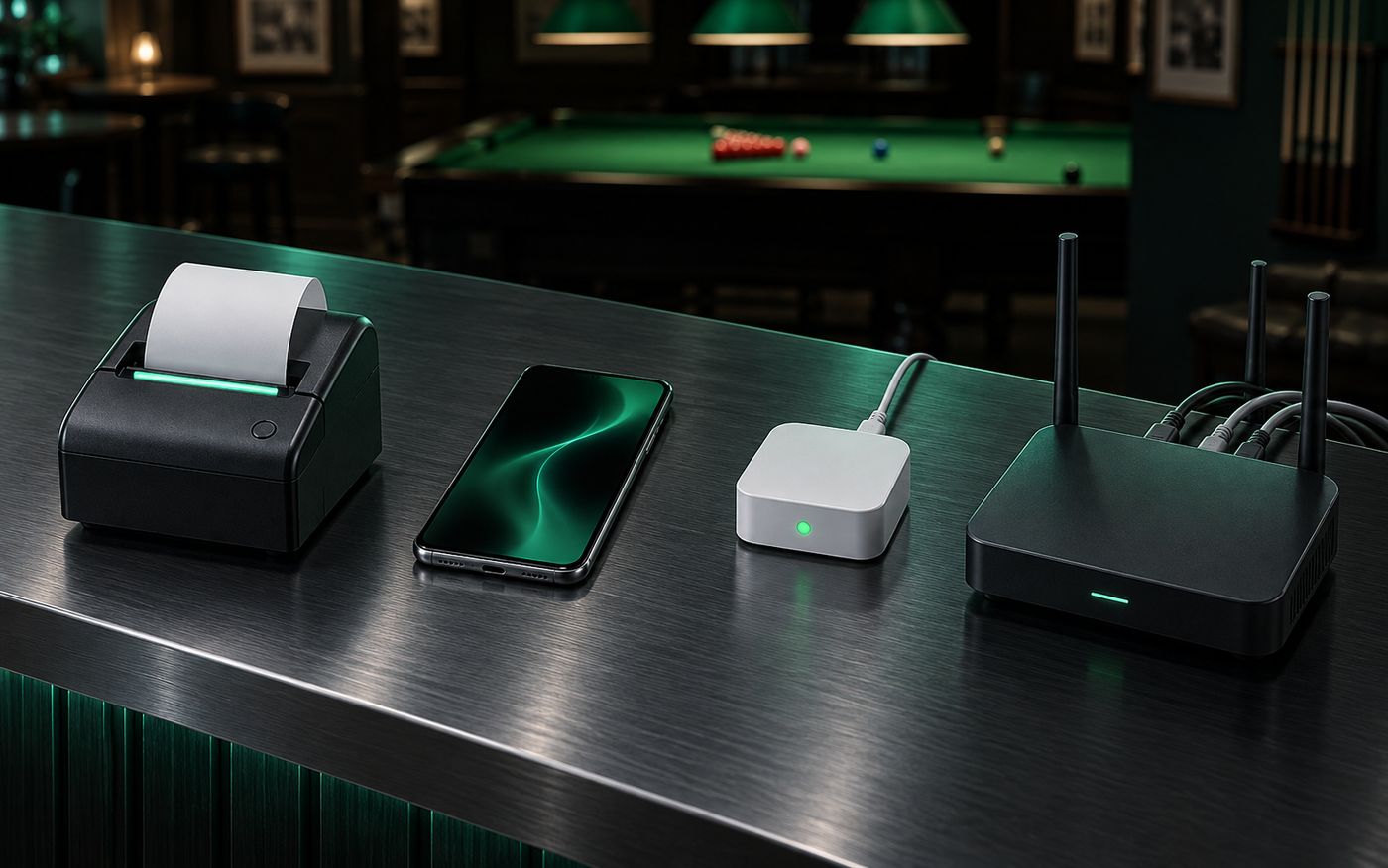
Plug in any standard input device or open the dashboard on any screen. Works on what you already own.
QR Code Scanner
Scan member QR cards, table QR, F&B QR, locker QR. Works with any USB or Bluetooth scanner that types like a keyboard.
Barcode Scanner
Read item barcodes at the counter for instant POS lookup. Speeds up checkout for retail items, F&B and member cards.
RFID / NFC Card Reader
Tap-and-go member identification and ticketing-mode table activation. Works with 125 kHz and 13.56 MHz keyboard-emulation readers.
Webcam (Face Recognition)
Use any built-in or USB camera for face-based member lookup with anti-spoof checks. No special hardware required.
Network Thermal Printer
Any brand that speaks the standard receipt protocol over LAN.
USB Printer + Connector
USB-attached printers via the bundled VYROX POS Printer Connector.
Bluetooth Printer
Paired once, paired forever - no re-pairing on every shift.
RFID USB / Bluetooth
Keyboard-emulation friendly readers - wired or wireless.
Camera-Based QR
Any device with a webcam becomes a QR scanner.
Front-Cam Mirror Toggle
Selfie-cam mirror fix for counter-mounted scanners.
IoT Relay (Local + Cloud)
IoT relays via local network or VYROX cloud bridge.
48 / 80 Column Paper
48-column or 80-column thermal paper - auto-format on print.
Desktop View
Full operations console for cashiers and managers on any modern browser. Optimised for 1280px and above.
Tablet View
Floor-staff layout designed for iPad and Android tablets. Take orders, run F&B and check-in members from anywhere on the floor.
Mobile View
Owner-side dashboards and the member app both work on any smartphone. Live revenue, table status and notifications in your pocket.
Kiosk View
Self-service kiosk mode for member check-in, top-up and ticketing. Locks down to a single workflow for unattended use.
- Input Devices
- Display Modes
Setup
Branding, currencies, timezones, and the ninety-minute go-live.
33capabilities
Brand It Your Way - Top to Bottom
Your venue, your rules. Tweak everything: theme colours, table types with custom names and colours, zones, rate cards, QR codes, language, timezone and hardware. No two snooker venues are the same, so the system bends to fit yours.
Brand & Identity
- Custom accent color picker
- Dashboard theme matching
- Light and dark mode support
- Vanity URL per organization and per center (e.g. /yourbrandname)
- Vanity URL auto-join (members tap once to enrol at a centre)
- Six-photo gallery per center with crop, rotate, zoom editor
- Five default banners plus custom banner upload
- Live availability check prevents duplicate vanity URLs
- Custom site logo, favicon, startup sound per domain
- Custom page title and tagline
Multi-Language
- 3 languages: English, Chinese, Malay
- 27+ timezone support worldwide
- 5 date format options
150+ Currencies, 200+ Countries
- Full ISO 4217 coverage: MYR, SGD, USD, EUR, GBP, JPY, AUD, CNY, IDR, THB, PHP, VND, INR, AED, SAR, ZAR, KRW, HKD, TWD, NZD and 130+ more
- Per-currency symbol, decimals, thousands separator, rounding precision
- Symbol placement before or after amount
- 200+ country phone-code picker (full ITU dialing-code coverage)
- 10 ASEAN countries in LHDN e-invoice buyer dropdown
Hardware & Staff Tools
- Thermal printer configuration
- RFID reader and QR scanner
- Kitchen display and cash drawer
- Keyboard shortcuts for faster staff operations
Table Types
- Snooker, Pool, 9-Ball, or custom types
- Custom name and color per type
- Separate rate settings per type
Zones & Layout
- Group tables by zone or floor
- Drag-and-drop ordering on dashboard
- Custom display names per table
Table QR Codes
- Auto-generated QR per table
- Branded QR card designer
- Member check-in via scan
Rate & Billing
- Per-table rate overrides
- Grace period and minimum charge
- Configurable billing intervals
- Theme & System
- Table Customization
Setup Wizard
From Empty Database to First Ringing Cash Drawer - 90 Minutes
Six guided steps - Organisation → Centers → Tables → Rates → Printers → Relays - and a launch-ready floor. Auto-detects partial onboarding and skips completed steps. Real-time URL availability check stops you picking a name another centre already owns. New centers go from sign-up to the first ringing cash drawer the same afternoon.
1 · Organisation
Brand name, vanity slug, currency, timezone, language, tax + service-charge defaults.
2 · Centers
Address, hours, contact, branch logo. Inherit org defaults or override per branch.
3 · Tables & Zones
Snooker / Pool / 9-Ball or custom. Drag-and-drop into zones. Auto-generated table QR.
4 · Rate Profiles
Peak / off-peak, weekend, holiday, member-tier discounts. First-hour vs subsequent-hour.
5 · Printers
Add Windows / USB thermal / network thermal printers, route per category, send a live test print.
6 · IoT Relays
Pair VYROX relays, map channels to tables, all-tables test sweep, heartbeat verified.
Auto-Skip Completed Steps
Resume tomorrow exactly where you stopped today.
Live Slug Check
Type your vanity URL - green tick or red cross before you finish typing.
Subscription Preset Applied
Bronze / Silver / Gold preset auto-applied so the new branch is licensed before the floor opens.
Clone From Flagship
Skip steps 3-5 by cloning your flagship's table grid, rates and printer routing.
Connected to Everything That Matters
LHDN MyInvois. WhatsApp notifications. Branded email delivery. Google Geocoding + IoT bridge.
LHDN MyInvois
Submit, cancel, refresh status - all from the dashboard.
WhatsApp Notifications
One number per center for booking and top-up.
Email (SMTP)
Transactional mail with auth and rate-limit.
Google Geocoding + IoT Bridge
Center on the map; relays in the cloud.